
Stronger Remote Work Security Without Slowing Your People

Most companies tighten remote work security by making access a hassle. Your team ends up juggling passwords and extra steps, slowing productivity. What if you could strengthen remote work security while keeping user friendly security simple and smooth? This post shows how to protect your business without frustrating employees, using tools like zero trust, single sign on, and multi factor authentication. Keep reading to see how SOS Technology Group can help you balance strong defense with easy access. For additional insights, check out these remote work security best practices.
Enhancing Remote Work Security
Balancing Security and Usability
Strengthening security should not come at the cost of user experience. The secret is to find a balance where security measures protect your business without frustrating your employees. Start with simple changes that make a big impact. For example, use security tools that integrate easily into daily routines. This way, your team stays productive while your systems remain protected.
Consider tools like zero trust that provide security without complexity. The goal is to create a seamless experience, where security is present but not intrusive. Your employees can focus on their work, knowing their access is both secure and easy.
Implementing Zero Trust Strategies
Zero trust is all about verifying every action, every time. It means no one is trusted by default, even inside your network. This approach drastically reduces the risk of breaches. Implementing zero trust involves setting up systems that check user identity continuously. You can start small, applying strict checks to the most sensitive data first.
Introduce policies that require authentication for every network access. Encourage your team to embrace these steps as part of their routine. With zero trust, you build a secure environment that adapts to threats without adding unnecessary steps for your users.
Leveraging Single Sign-On and Multi-Factor Authentication
Single sign-on (SSO) and multi-factor authentication (MFA) make security easier and stronger. SSO allows users to access multiple applications with one set of credentials, reducing password fatigue. MFA adds an extra layer of security by requiring two or more verification factors. This could be a code sent to a phone or a fingerprint scan.
These tools work best when combined. SSO simplifies access, while MFA ensures only the right users get in. Implementing these tools can dramatically reduce your risk of breach while keeping access smooth for your team.
Key Security Tools and Solutions
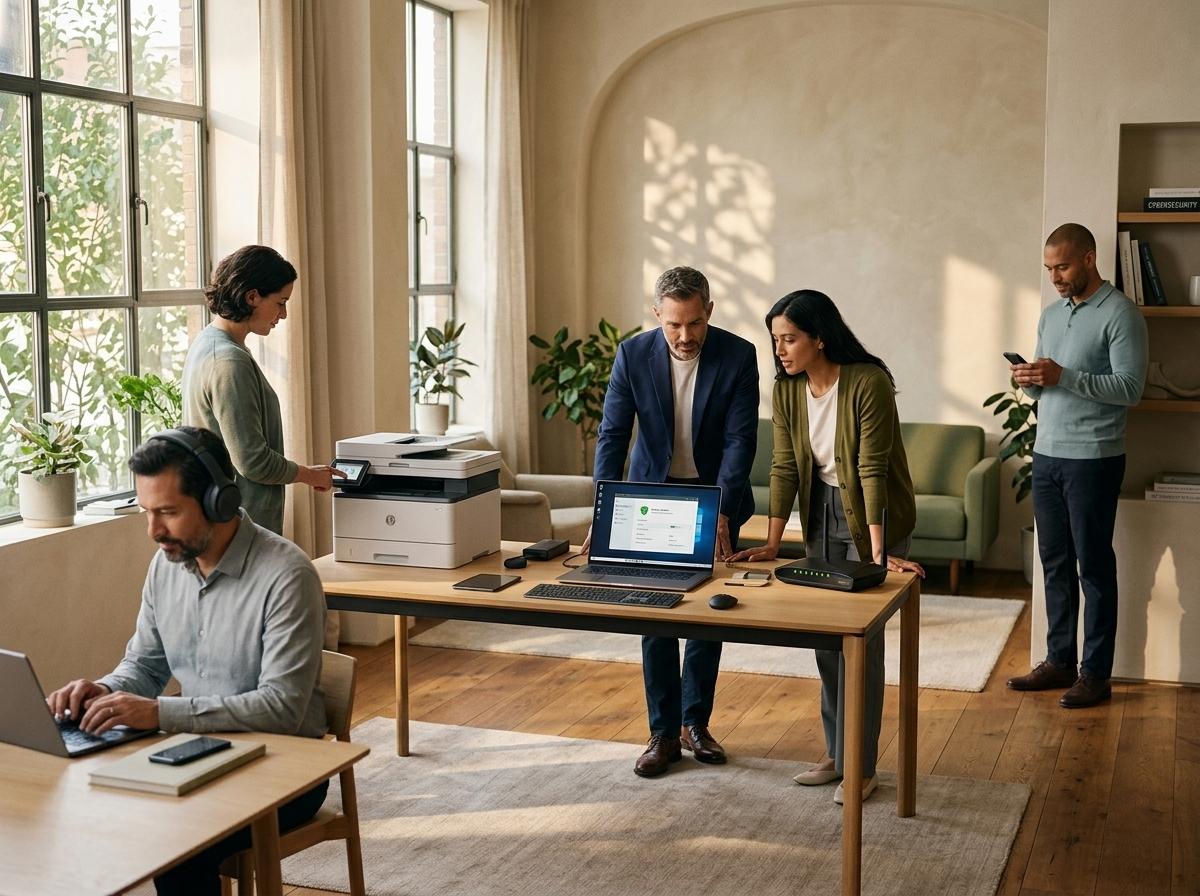
Device Management and Endpoint Security
Device management is crucial in remote work settings. It ensures that all devices accessing your network are secure. Endpoint security protects these devices from threats. Tools that allow remote monitoring and management help maintain security without needing physical access to devices.
Regular updates and patches are vital. Ensure all devices are compliant with security policies. This reduces the risk of vulnerabilities being exploited. By maintaining control over devices, you keep your network secure while your team works from anywhere.
Advanced Network Security with SonicWall
SonicWall provides robust network security solutions. It offers a range of products that safeguard against a variety of threats. With features like real-time threat detection and automated responses, SonicWall keeps your network protected around the clock.
SonicWall’s firewalls are designed to block threats while allowing legitimate traffic through. They also include VPN alternatives that are ideal for remote work settings, ensuring secure connections without the need for traditional, often slower, VPNs.
Microsoft 365 Security and Email Protection
Microsoft 365 offers comprehensive security features that protect your email and data. With advanced threat protection, you can detect and block phishing attempts and other malicious activities. Data loss prevention features help ensure sensitive data does not leave your organization.
Regular security updates from Microsoft help guard against the latest threats. Encourage your team to use these features to protect their communications. Integrated security makes it easier for users to stay safe without extra effort.
Partnering with SOS Technology Group

Expert IT Support in Baltimore and Maryland
SOS Technology Group offers expert IT support tailored to your needs. With over 20 years of experience, we help businesses in Baltimore and across Maryland stay secure and operational. Our team is always ready to assist, making sure your technology works for you.
We understand the challenges of remote work and provide solutions that integrate smoothly into your operations. Our goal is to ensure your business remains secure without compromising on productivity or ease of use.
Tailored Cybersecurity for Remote Workers
Our cybersecurity solutions are designed specifically for remote workers. We focus on providing security that adapts to your unique needs. From endpoint protection to managed services, we cover all bases to keep your data safe.
Our approach includes regular assessments and updates to ensure your systems are always protected. By tailoring our services to your specific requirements, we help you maintain a secure remote work environment effortlessly.
Request a Security Assessment Today
Protecting your business starts with understanding your current security posture. Request a security assessment today. Our team will evaluate your systems and recommend the best solutions for your needs. Don’t wait until a breach occurs to take action.
Taking proactive steps now can save you from costly issues later. Let SOS Technology Group be your trusted partner in securing your remote work environment.
Frequently Asked Questions
What is zero trust security?
Zero trust security means no one is trusted by default, even within your network. Every access request is verified, reducing the risk of breaches.
How does single sign-on benefit remote workers?
Single sign-on simplifies access by allowing users to log in once to access multiple applications. This reduces password fatigue and improves security.
Why is device management important for remote work?
Device management ensures that all devices accessing your network are secure. It helps maintain compliance with security policies and reduces vulnerability risks.
What are the advantages of using SonicWall for network security?
SonicWall provides real-time threat detection and automated responses. It safeguards against a variety of threats, ensuring your network remains secure.
How can Microsoft 365 improve email security?
Microsoft 365 offers advanced threat protection and data loss prevention features. These help detect and block phishing attempts and protect sensitive data.